Change or rekey · Niagara Falls
Smart Lock Installation in Niagara Falls
Arthritis has made the small house key hard to grip and turn, especially with gloves on in January. Pressing a few buttons, or tapping a fob against the lock, would make coming home in winter far easier.
Smart Lock Installation
In plain words
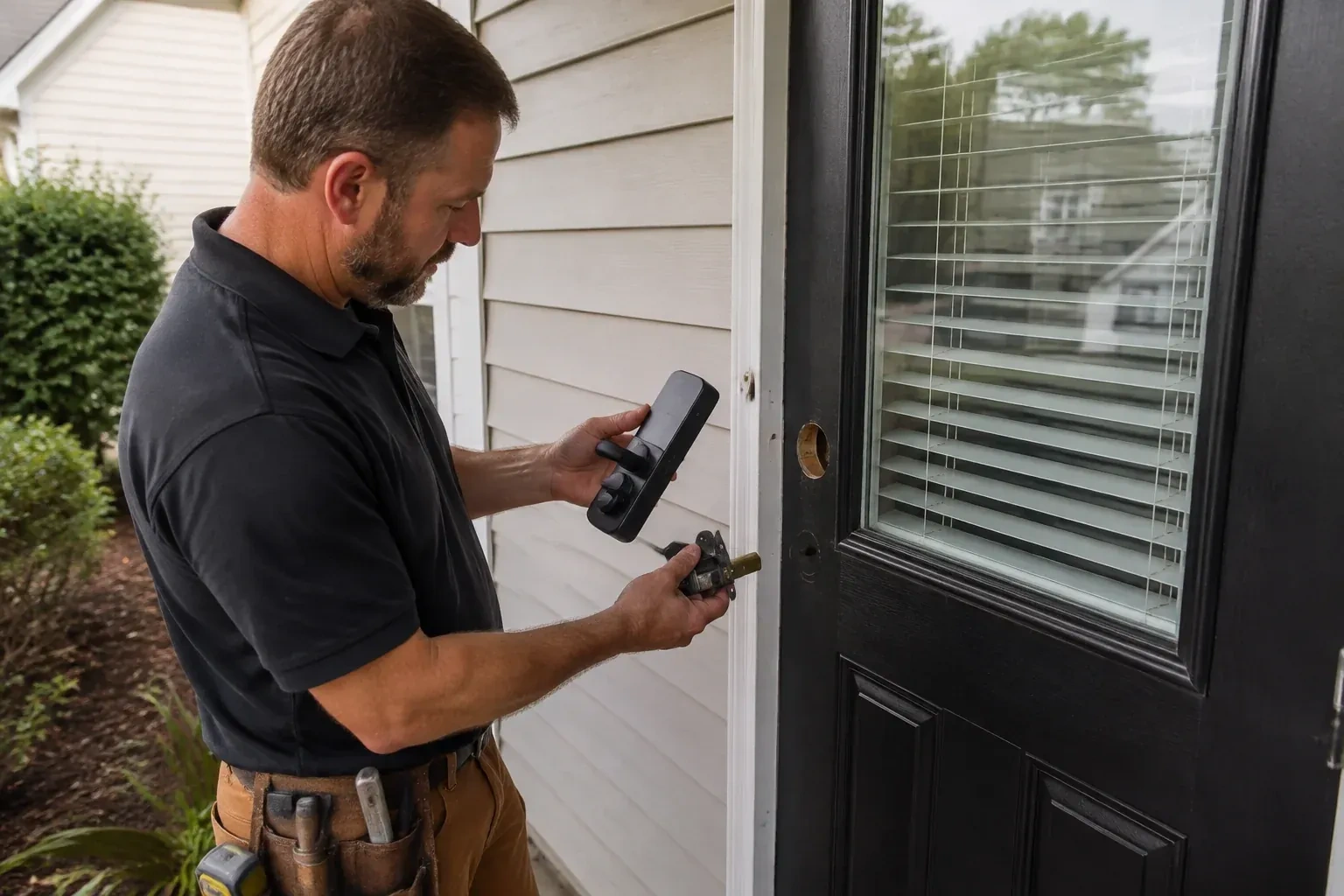
A smart lock is only half installed when the screws are tight; the other half is the account behind it. During the visit the administrator account is created by you, on your own phone and email, so nobody else holds the keys to the settings. Factory codes are deleted, a code is made for each person who needs one, and the auto-lock timing, sounds and alerts are set to suit the household. If the lock joins Wi-Fi or a hub, that connection is made and tested. The locksmith walks you through adding and removing users so future changes are yours to make, and keeps no codes afterwards.
How the visit goesYour mother still lives on her own, and the personal support worker, the pharmacy delivery and two siblings all need to get in on different days. Cutting keys for everyone feels wrong; a code for each person, with a log, feels right.
Niagara Falls
How the visit goes
Measuring the door and its holes
Smart locks are built around the standard residential preparation, so the locksmith measures before choosing. Door thickness is usually between 35 and 45 millimetres; thicker doors need an extension kit and very thin ones may need a different model. The large cross bore for the cylinder, the smaller edge bore for the bolt and the backset from the door edge to the centre of the hole are each checked against the new lock's range. A lever set also needs the handing confirmed. Steel and fibreglass doors, doors with a mortise pocket from an older lock, and doors with glass close to the handle each change what will fit and how it is mounted.
Setting it up under your name
Programming happens on your phone, not the technician's. You download the maker's app, create the account with your own email, and the lock is enrolled to it while the locksmith guides each step. Default and factory codes are removed. A personal code is created for each household member, and where the model allows, scheduled or temporary codes for a cleaner, a contractor or a visiting relative. Auto-lock delay, keypad sounds, one-touch locking and notification preferences are set to match how the household answered earlier. If Wi-Fi or a hub is part of the plan, the lock is joined to it and any waiting firmware update is applied before testing. The technician leaves with no codes and no login.
Codes you can give and take back
The lock now belongs to your account, and the day-to-day control is yours. Adding a code for a new cleaner, setting a weekend window for a visiting relative or removing the dog walker who moved away is done from the app or the keypad in moments, without a locksmith and without cutting anything. A short list of who holds which code, kept somewhere private, is worth writing on day one so the door's access stays as tidy as it is today. Codes should be unique per person and never shared aloud on the step; where the lock offers one-time or scheduled codes, use them for trades and deliveries and let them expire.
Smart Lock Installation
In the van
- Thick-door extension kit
- Hand screwdrivers, Phillips and Torx
- Manufacturer-specified batteries
- Hole saw, spade bit and drilling jig
- Reinforced box strike with long screws
What affects the quote
Same fees day, night or weekend
1Number of doors
A single front door is the base case. Adding the back door, the garage entry or a side door, whether each gets its own smart lock or is rekeyed to match the override key, extends the visit accordingly.
2Number of users and codes to program
Setting up two codes for a couple is different from configuring a household of six plus a cleaner's schedule and a landlord's master. The count of codes and schedules is a fair part of the labour.
3Network setup
Joining the lock to Wi-Fi, adding a bridge because the signal at the door is weak, or pairing with an existing hub is setup time and sometimes an extra device, and appears in the quote as such.
Smart Lock Installation: questions
Do I still get a key?
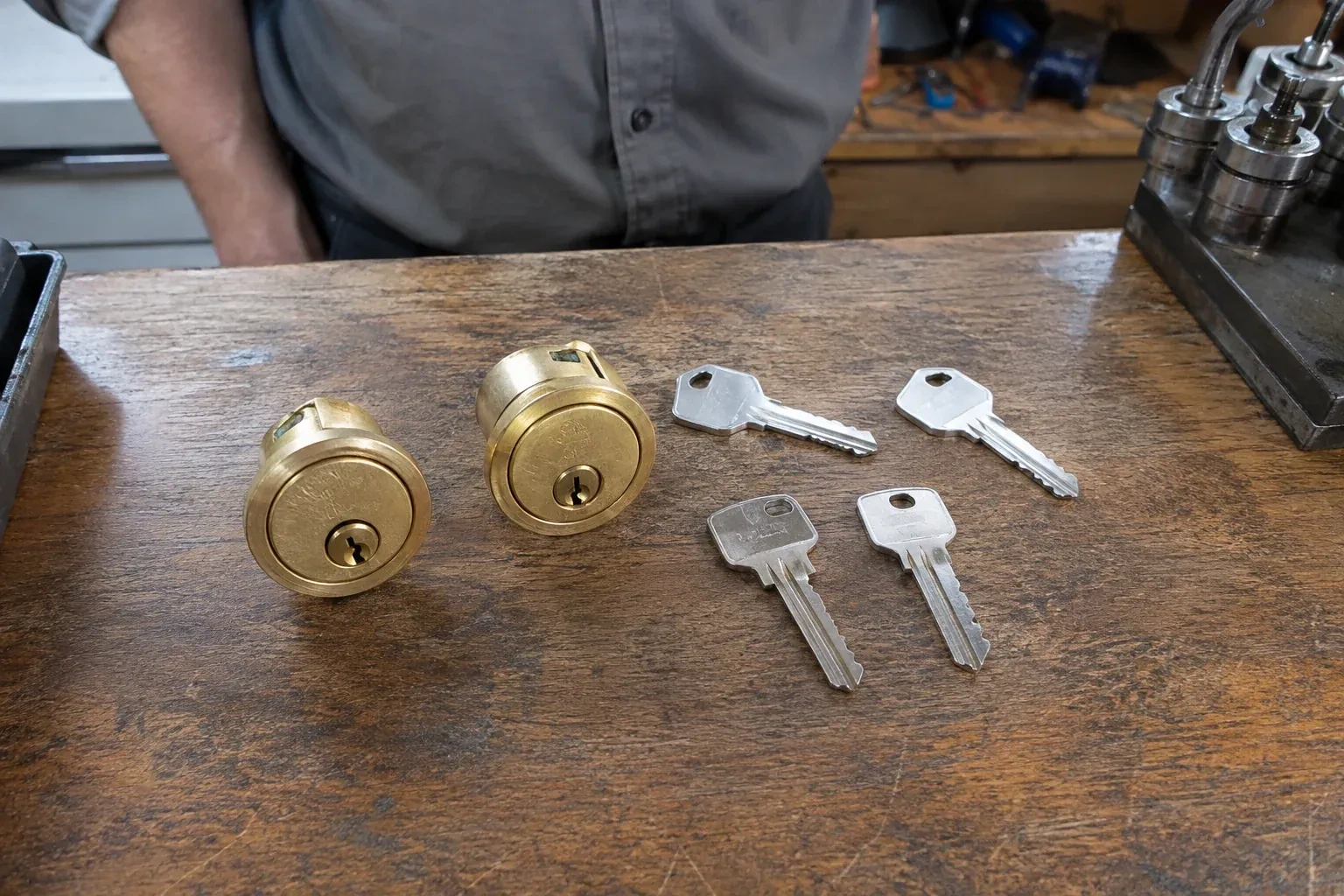
In most cases, yes. The majority of keypad deadbolts keep a conventional cylinder behind or beside the keypad, and the locksmith rekeys it during the visit so a fresh key works and the old one is retired. A few designs have no keyway at all and rely on the keypad plus an emergency power contact instead. Which you prefer is part of choosing the model, and either way the fallback route is tested before the locksmith leaves.
Can a smart lock go on a patio door, a side gate or a multipoint door?
Some can, and the locksmith will say which. Sliding patio doors use a hook or a pin rather than a deadbolt, so they take purpose-made electronic latches rather than a standard smart deadbolt. Multipoint doors, common on newer fibreglass and steel entries, lock at several points with one lever; a growing number of smart handles are built for them, and compatibility with your specific gearbox is checked first. Gates take weather-rated keypad locks designed for outdoor posts.
Fingerprint, fob, code or phone: which is worth having?
It depends on who uses the door. Codes suit everyone and need nothing in hand. Fobs or cards are a favourite for children and for anyone who finds small buttons difficult, since a tap does it. Fingerprint readers are convenient for a household of adults but can be fussy with cold, wet or gloved hands in winter, so pair them with a code. Phone control is for whoever wants alerts and remote checks. Most families end up using two of these.
Change or Rekey Locks
Smart Lock Installation near you
Homes in Niagara Falls bring us sticking deadbolts, lost keys, moves and upgrades. Businesses bring storefront doors, back doors, key control and safes. The services below cover both sides in detail, so whichever kind of door you are standing in front of, the right page is a click away.